
User Guide
Follow these five steps from sign-in to your first meme call in Telegram (step 2, language, is optional).
Fastest Path to Your First Meme Call
1. Open the app in your wallet
Open
https://factory.daiko.ai in your browser.- Click Sign in → the same screen opens inside your selected wallet app.
- Click Sign in again.
- When the signature modal appears, tap Confirm to complete sign-in.
2. Switch the UI language to English
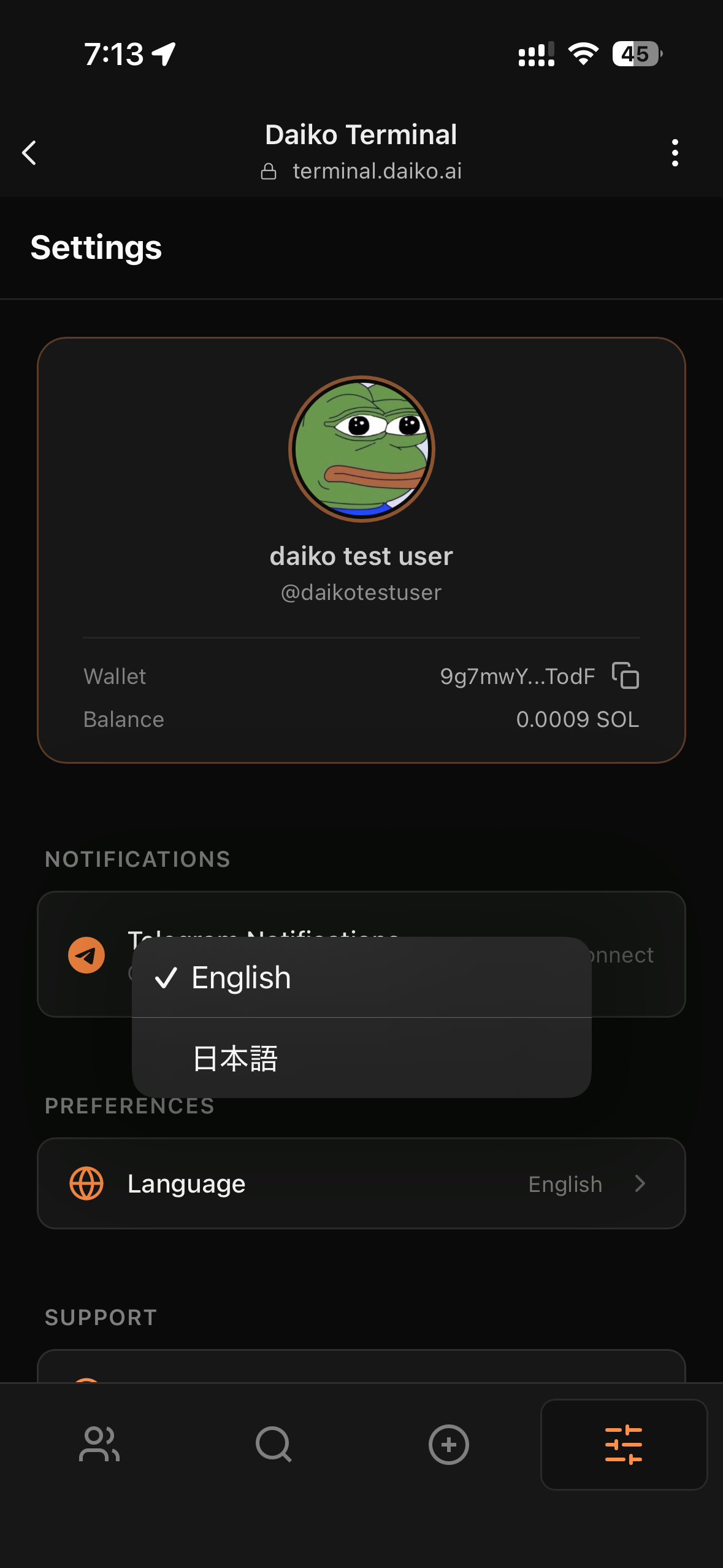
- Open Settings.
- Switch the display language to English (optional; skip if you prefer).
3. Connect Telegram for call drops
- Go to the rightmost Settings page and tap Connect Telegram.
- The Daiko Factory bot opens in Telegram automatically.
- The Start command runs automatically. When a one-time password appears, tap to copy it.
- Return to the wallet app and paste the one-time password → linking complete.
4. Create a trader AI and get your first call
- Pick a condition idea shown below, or describe the meme call pattern you want to catch.
- Name the trader AI and save it.
- On the leftmost Agent page, you can always review calls from trader AIs you created or purchased.
5. Confirm meme calls in Telegram
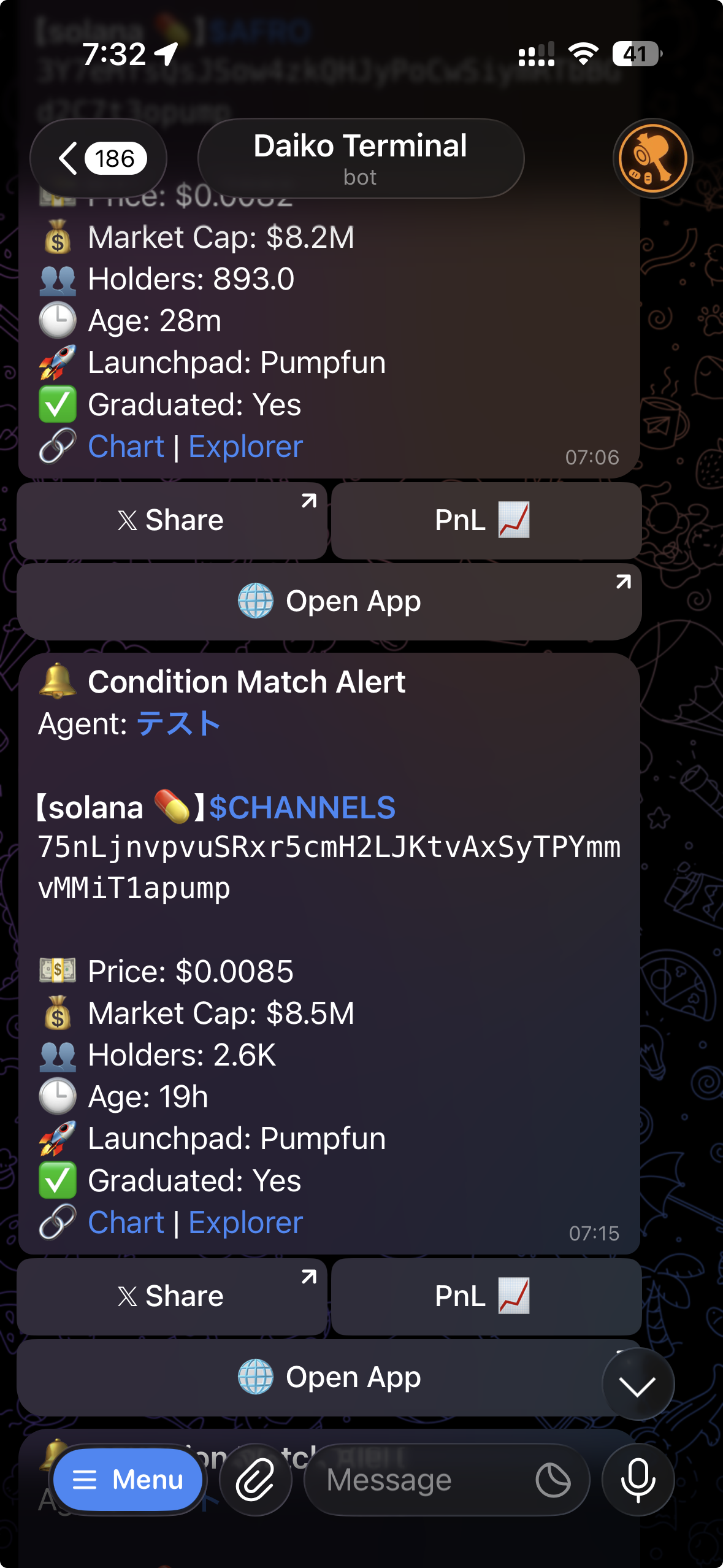
- Once Telegram is connected, trader-AI calls appear automatically in the Daiko Factory bot chat.
- You can share the call and check PnL from Telegram as well.
What Works Best
- Start broad enough that preview shows a few candidate calls.
- Keep one trader AI focused on one meme-call idea instead of mixing everything together.
- Use preview before every save. After saving, watch how the calls come in and adjust.
- Tighten thresholds only after you see too many calls.
If Calls Do Not Arrive
- Make sure Telegram linking is complete (including pasting the one-time password in the wallet app).
- Open the trader AI and check that Preview still returns matches.
- Confirm the trader AI is enabled.
- Wait out the cooldown if the same token already notified recently.
If You Get Too Many Calls
- Raise thresholds.
- Add one more filter.
- Lower the result limit and sort for the highest-signal matches first.
Go Deeper
- Learn the DSL Reference when you want more precise filters.
- Read How It Works for the evaluation model behind trader-AI calls.